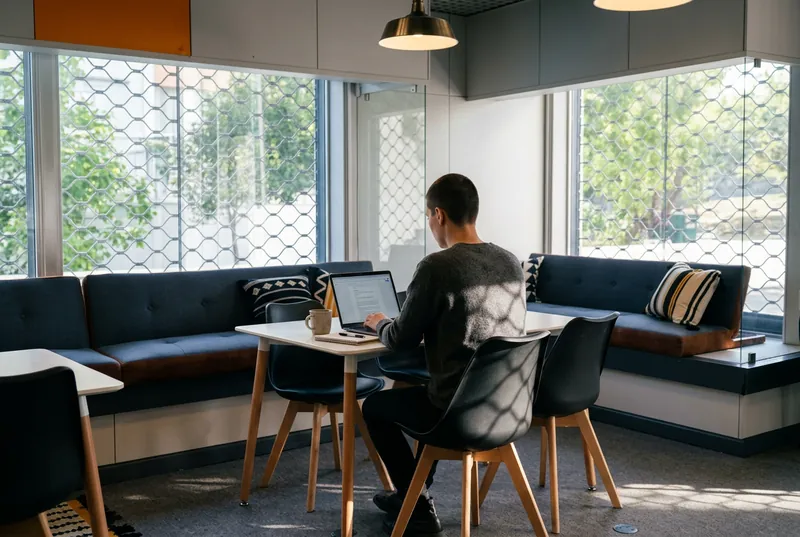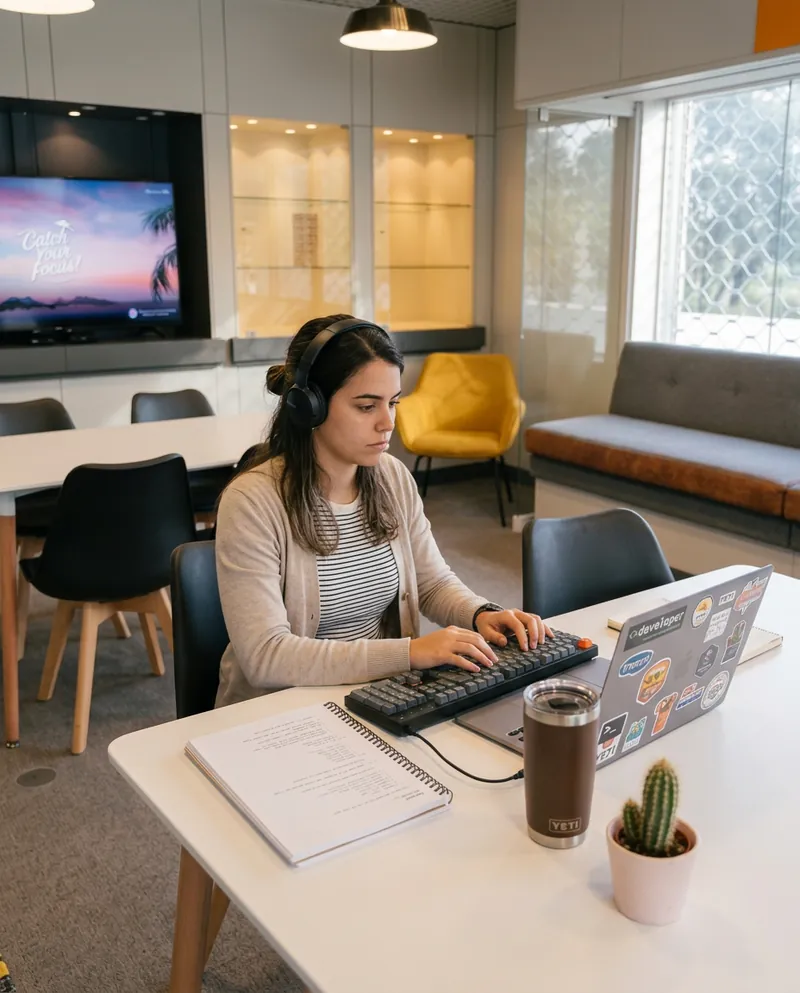


For remote workers, the video call is the office. A bad connection, an echo or a noisy background can cost a client. Working from a coworking space helps: fibre Wi-Fi, a proper desk and quiet rooms. But a few habits make the real difference between sounding like a professional and sounding like you are calling from a ferry in a gale.
011 / 6Most bad calls are fixed in five minutes
Use a headset
Wired or wireless, a headset cuts echo and background noise far better than a laptop microphone. Earbuds with a microphone are fine for most calls.
Face the light
Sit facing a window or a soft lamp. Never have a bright window behind you, or you become a silhouette.
Raise the camera
Put the camera at eye level, using a stand or a few books. Looking up someone's nose is nobody's idea of rapport.
Simple background
A wall, a plant or a shelf is enough. Avoid people walking behind you, and blur the background if you cannot.
Test early
Check sound, camera and connection a few minutes before, not as the call starts.

022 / 6Sound first: why audio wins
People forgive a grainy picture. They do not forgive having to ask "sorry, can you repeat that?" three times. In a shared space, the laptop microphone picks up keyboards, the coffee machine and the conversation two desks away. A headset with a microphone close to your mouth fixes most of that.
- Turn on noise suppression in your call app. Most popular tools have it in the audio settings.
- Mute when you are not speaking, especially in large meetings.
- Speak at a normal volume. A good headset means you do not need to raise your voice, which your neighbours will appreciate.
- Keep a spare pair of wired earphones in your bag for when the battery dies.
Nobody remembers your background. Everybody remembers the echo.
033 / 6Match the room to the stakes of the call
At your desk
- Quick internal calls
- Short check-ins
- Listening-only meetings
- Always with a headset
In a private room
- Client pitches
- Interviews
- Long calls
- Anything confidential
In between sits the phone booth: a small, closed space for calls of up to half an hour or so where you need to talk freely. At 10cowork it is included in every pass. For longer or more important calls, the War Room is available for €10 an hour, and you can present on a big screen if you need to.
044 / 6Connection: avoid the frozen face
Fibre Wi-Fi in a coworking space is usually far more stable than home broadband shared with a family streaming films. Still, a few checks help on the calls that matter.
Close what you do not need
Cloud backups, large downloads and dozens of browser tabs all compete for bandwidth.
Sit closer to the router
If the signal looks weak, move. A few metres can make a difference.
Have a plan B
Keep the dial-in number or a phone hotspot ready. Switching in 30 seconds looks far better than vanishing.
Turn off video if it struggles
Audio only is better than a stuttering picture. Say so, and switch it back on when it settles.

055 / 6Call etiquette in a shared space
Good etiquette helps everyone. Keep calls short at shared desks, do not use speakerphone, and move to the booth or a room for anything long. See coworking etiquette rules for the rest of the unwritten code.
066 / 6Our verdict: headset first, room second
We think most people upgrade the wrong thing. Buy a decent headset before any camera or light, take short calls at your desk and pay for a private room only when the call could win or lose you money. Save the beach for after the call, not behind you.
Clients judge the quality of your work by the quality of your sound. Harsh, but true.
See also meeting room rental in Almada and Caparica, and coworking versus working from home for the bigger picture.
Important call coming up? Book a private room by the hour.
Book the War Room5 questionsFrequently asked questions
Can I take video calls in a coworking space?
Yes. Use a headset, keep short calls at your desk, use the phone booth for longer ones and book a private room for long or confidential calls.
How do I make a video call look professional?
Face a soft light, raise the camera to eye level, keep the background simple and use a headset for clear sound.
Is a headset really better than a laptop microphone?
Yes, by a long way. The microphone sits close to your mouth, so it picks up your voice and far less of the room around you.
Where can I find a quiet room for video calls south of Lisbon?
10cowork in Caparica has a phone booth included with every pass and the War Room meeting room for €10 an hour plus VAT.
What should I do if my video freezes during a call?
Turn off your video and stay on audio, close bandwidth-heavy apps, and switch to a phone hotspot or dial-in if it does not recover.